What is Soclo?
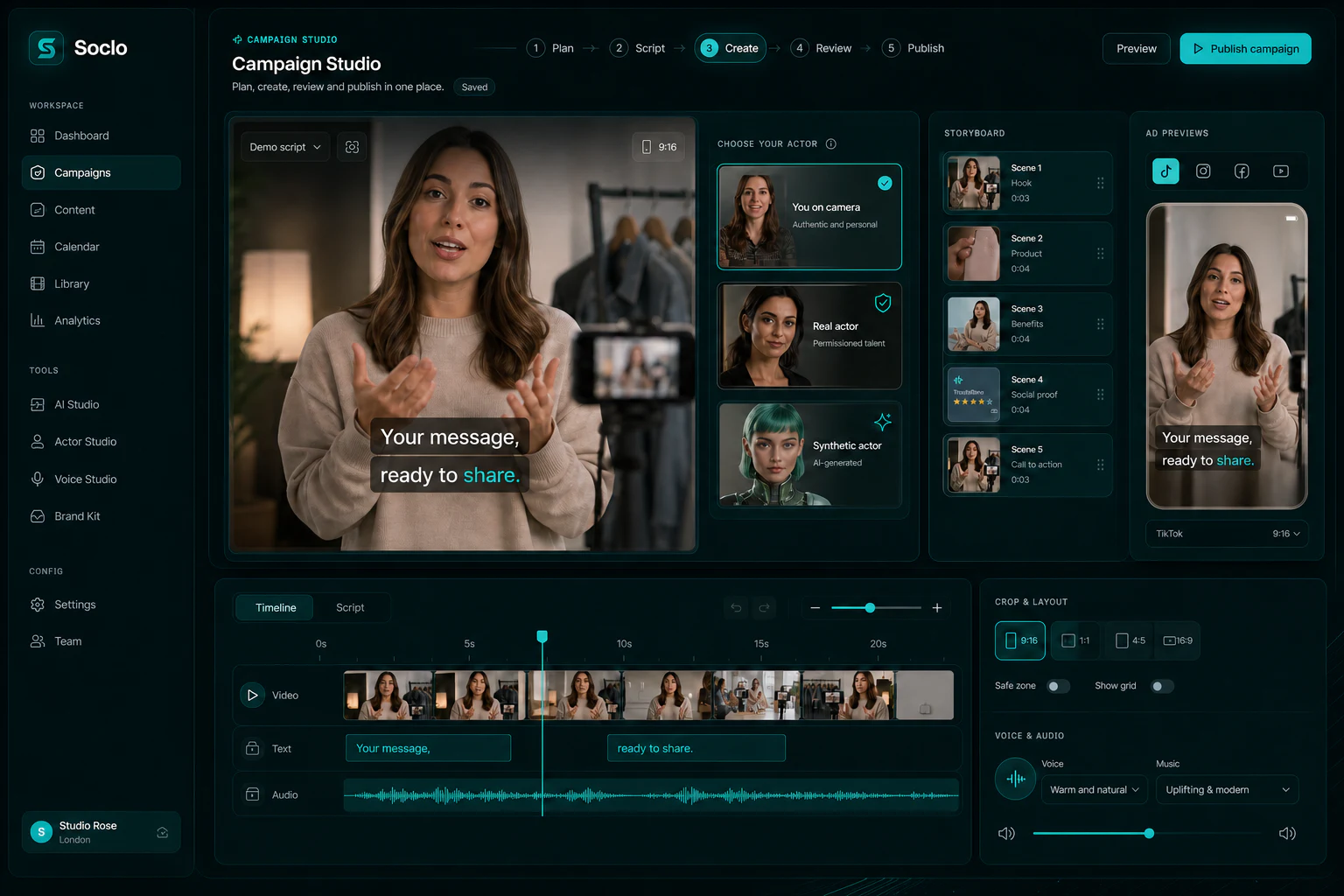
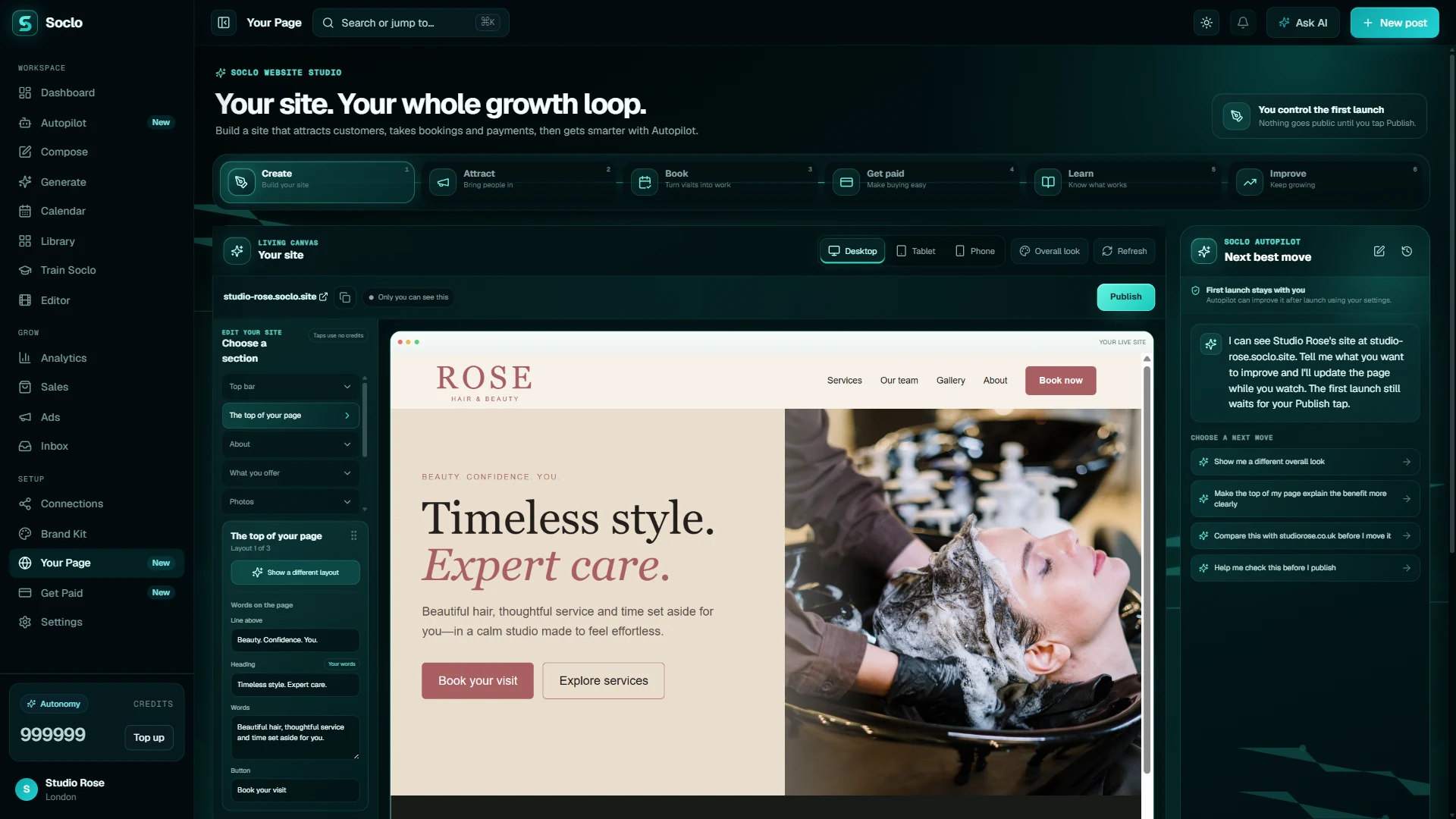
Soclo AI Content and Marketing brings AI content creation and social media planning into one app for businesses of all sizes, creators and anyone with something to share. Make ads, videos and social media posts, plan your week, and keep your Brand Kit and saved work together.
How much does Soclo cost?
Creating an account is free, with no included AI credits. Starter costs £7.99 per month, Pro costs £19.99 per month, Business costs £49.99 per month, Autonomy costs £99.99 per month. Annual subscriptions and one-off credit packs are also available. Prices here are in GBP; check the purchase details where you subscribe.
How many credits does a typical week of posts use?
Publishing posts you wrote yourself uses 0 credits. For AI-generated work, a caption costs 2 credits, an image 8–12 credits, a standard video 150 credits, and a best-quality video 400 credits. A light week of four AI photo posts uses about 40–50 credits (covered by Starter at £7.99/month with 200 credits). A typical week of daily images plus one standard video uses about 200 credits a week (covered by Pro at £19.99/month with 800 credits). Before any paid action runs, Soclo shows the exact credit cost.
Does Soclo work in ChatGPT and Claude?
Yes. Connect your Soclo account through the Soclo connector to make content and prepare posts from Claude or ChatGPT. Publishing through the connector requires your confirmation. Your assistant must support a remote MCP connector; availability depends on its plan and settings.
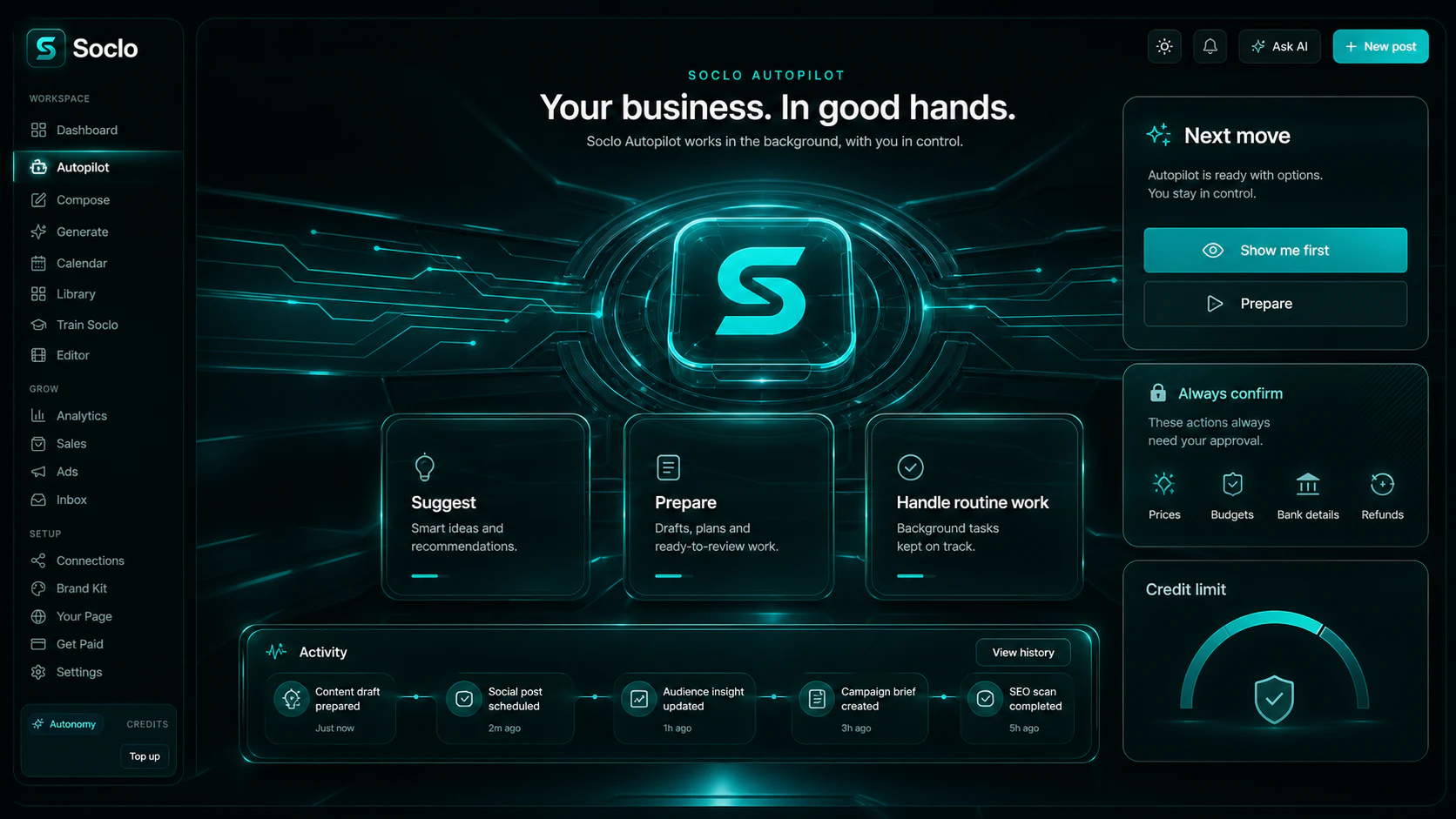
Can I choose whether Autopilot posts for me?
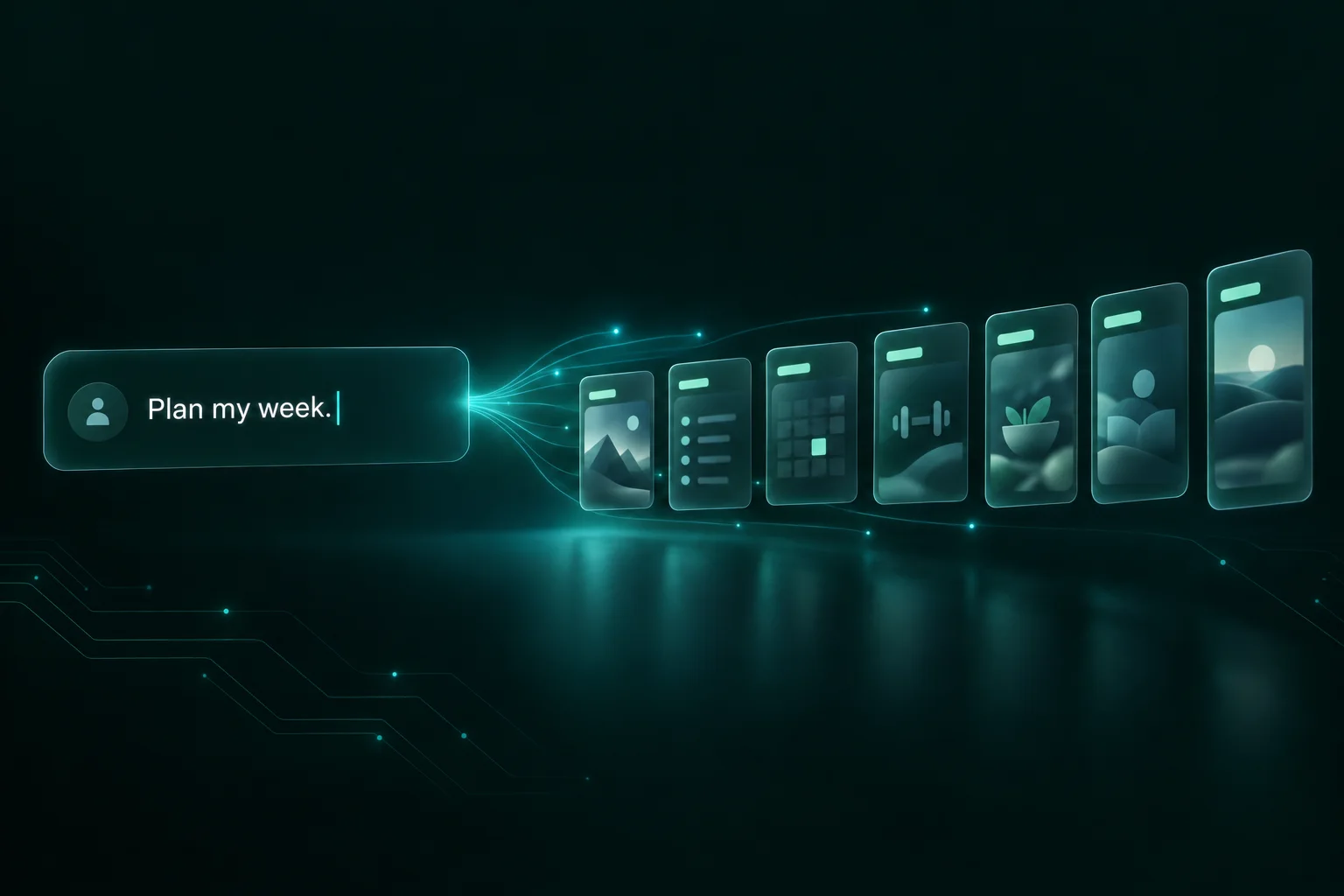
Yes. Autopilot plans your week. Approve every post, or switch the content types you choose to Just post so Autopilot can schedule and publish those without asking each time.
Can I create voice, music and sound effects?
Yes. Soclo includes voice, music and sound effects, with a fixed credit price shown before you pay.
Can I use my own photos and brand?
Yes. Start a social media post with your own photo and an editable caption. Keep your logo, colours and photos in your Brand Kit, and find saved photos and videos in your Library.
What if a paid picture does not arrive?
Check your Library and credit balance before trying again. If the result or charge is unclear, contact support with the time and any request reference shown in the app. A lost connection alone does not confirm that a refund completed.