One place to respond
Reduce the platform switching required to keep up with customer conversations.
Bring supported social messages, comments, replies, reviews and business follow-up into the Soclo workflow, with AI drafting and the approval controls you choose.
✦Soclo can help draft and organise customer work. Contact permissions stay separate from permission to publish content or change a website.
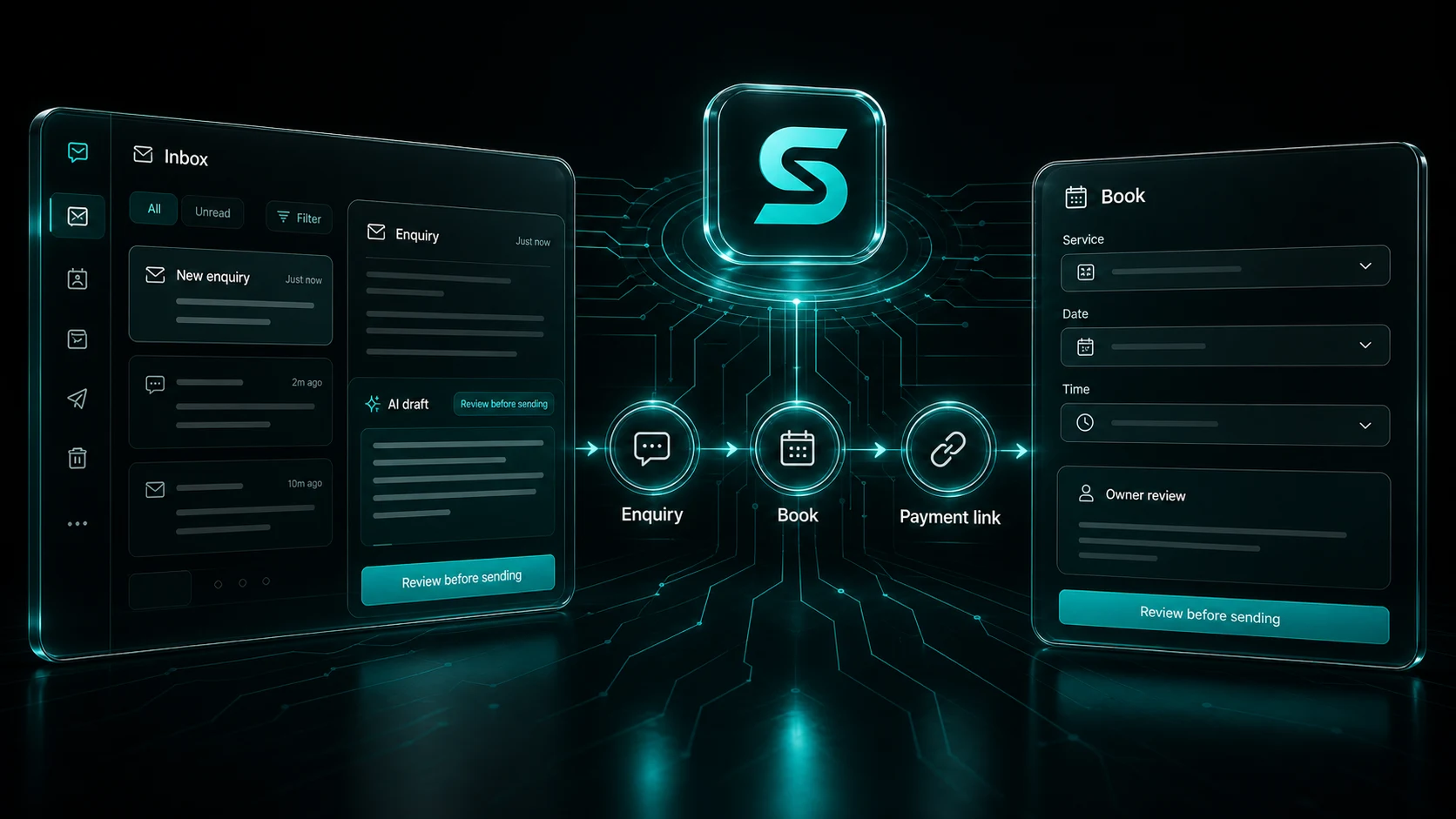
Reduce the platform switching required to keep up with customer conversations.
Draft with the business voice, conversation and relevant campaign information nearby.
Autopilot publishing permission does not silently become permission to contact customers.
Move a useful conversation toward a booking, payment, quote or clear follow-up.
You do not need to learn a new operating system. Soclo asks for the information needed for the next useful step.
Grant the permissions needed for the inbox features the business chooses.
See the recent customer context and open the full thread on the platform where required.
Write manually, ask Soclo for a draft, or use a separately authorised routine reply setting.
Link the conversation to the business action it needs next.
A business may be comfortable letting Autopilot schedule a routine post and still want every direct customer reply approved. Soclo treats those permissions separately rather than hiding them inside one broad automation switch.
The inbox is designed to reduce platform switching and keep useful business context nearby. Full message availability still depends on the permissions and API behaviour of each connected platform.
AI can help draft a clear reply, but the business remains responsible for accuracy, promises, regulated claims and any decision that affects a customer. Bulk unsolicited messaging and platform abuse are prohibited.
Not by itself. Customer-contact permission is separate from website, content and publishing permissions.
Yes. Soclo can help draft replies using the available conversation and business context.
No. Bulk unsolicited direct messaging and platform abuse are prohibited.
Free to start · 3-day free trial on Starter and Pro monthly
Start free